
Smart crop
Switch to square or portrait with a suggested crop around the subject. Adjust it before you apply.
Reduce file size, change formats or remove the background. One photo or a whole batch, right on your Mac.
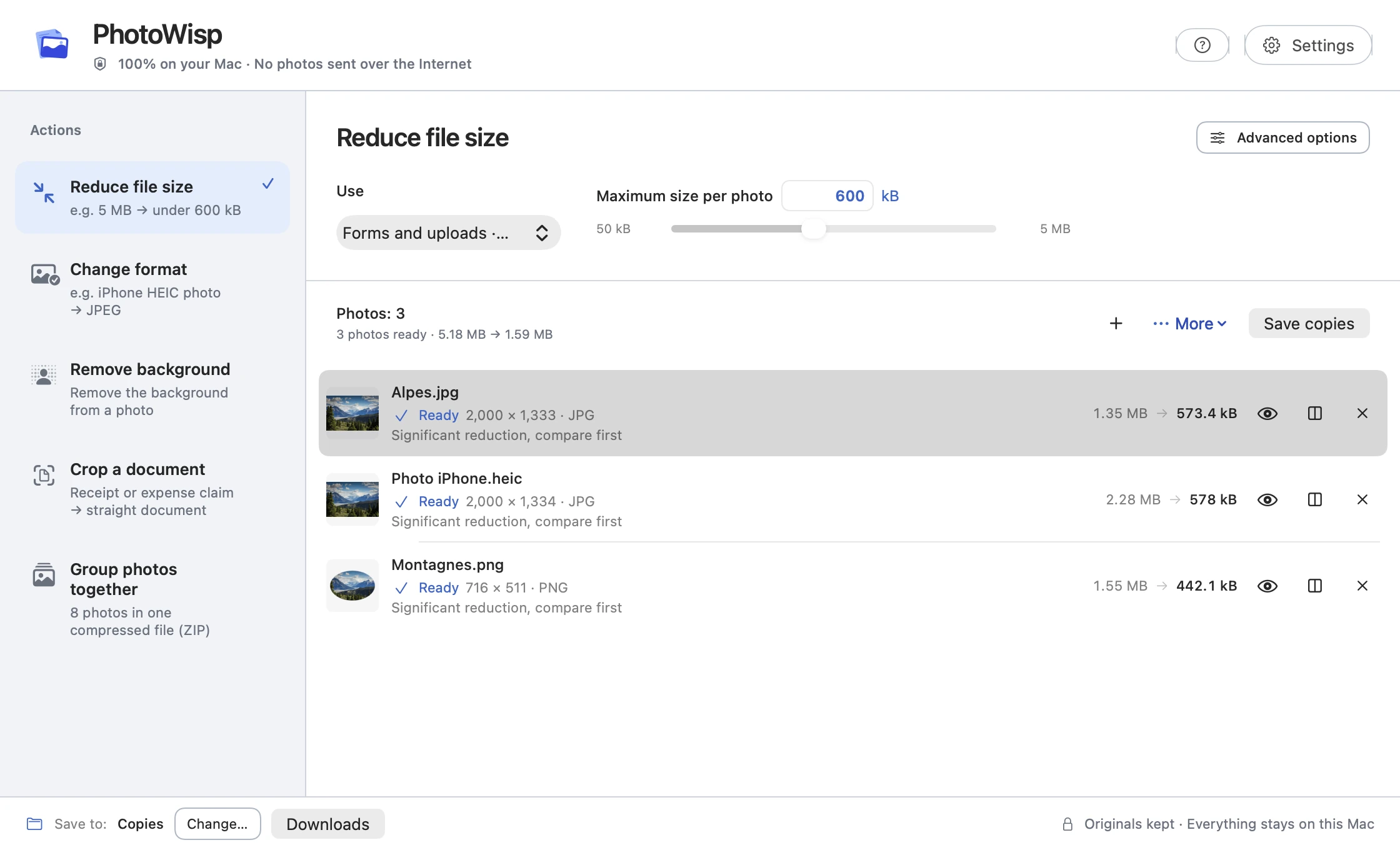
1.35 MB 573 kB
From the sample JPEG · Selected limit: 600 kB
No photos are sent to a server.
Save copies while your source files stay intact.
Prepare up to 500 photos at once.
A file that is too large, an unsupported format or a background to remove: choose the tool you need.
Prepare your photos in one window.
Add one photo or a batch of JPEG, PNG or HEIC files.
Choose a maximum file size, a format or another tool.
Check the result, compare it with the original and save your copies.
Three moments when a few adjustments help.
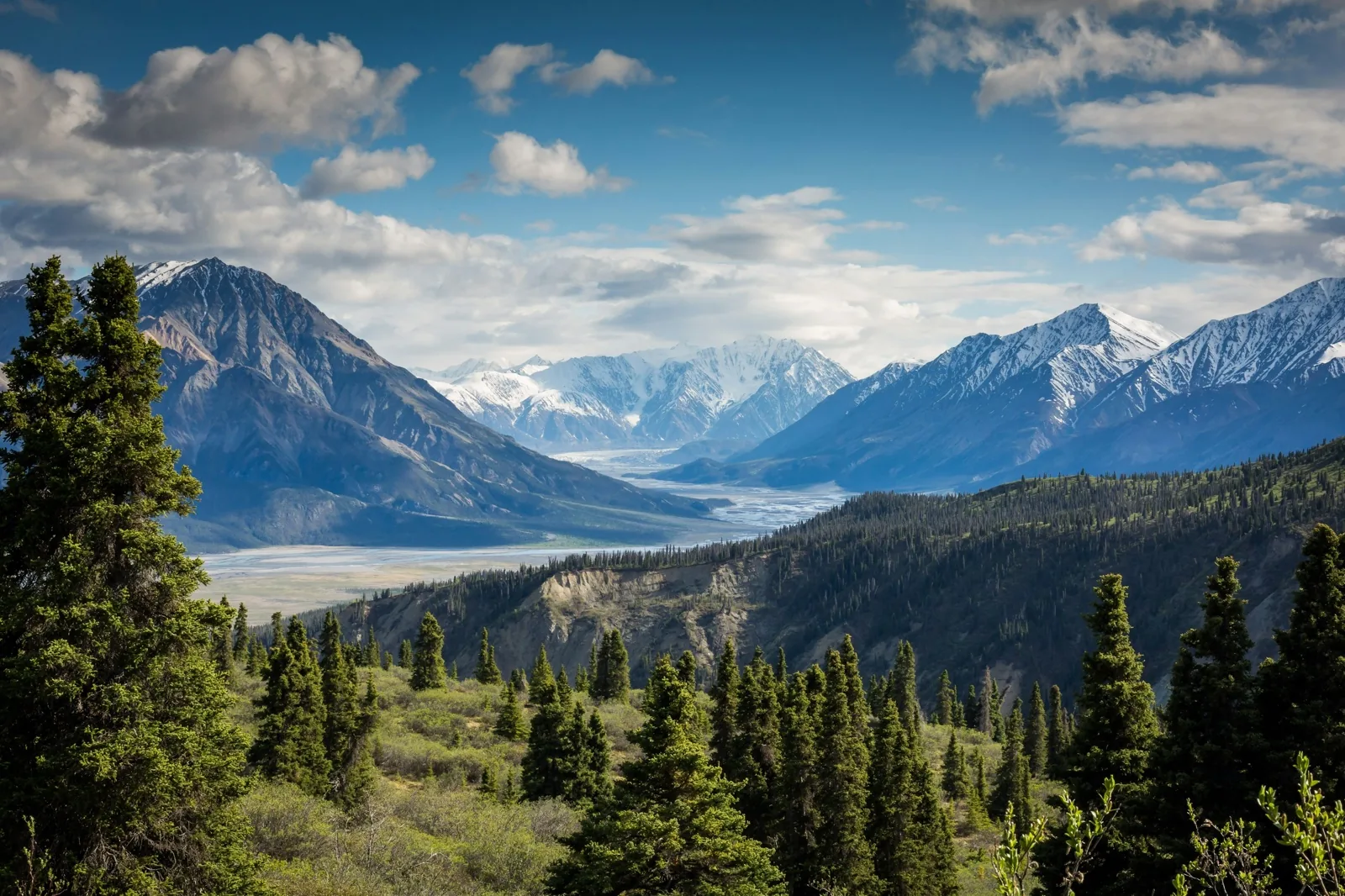
Reduce the file size to match the limit stated by the website.
Make smaller copies or bundle the originals in a ZIP.
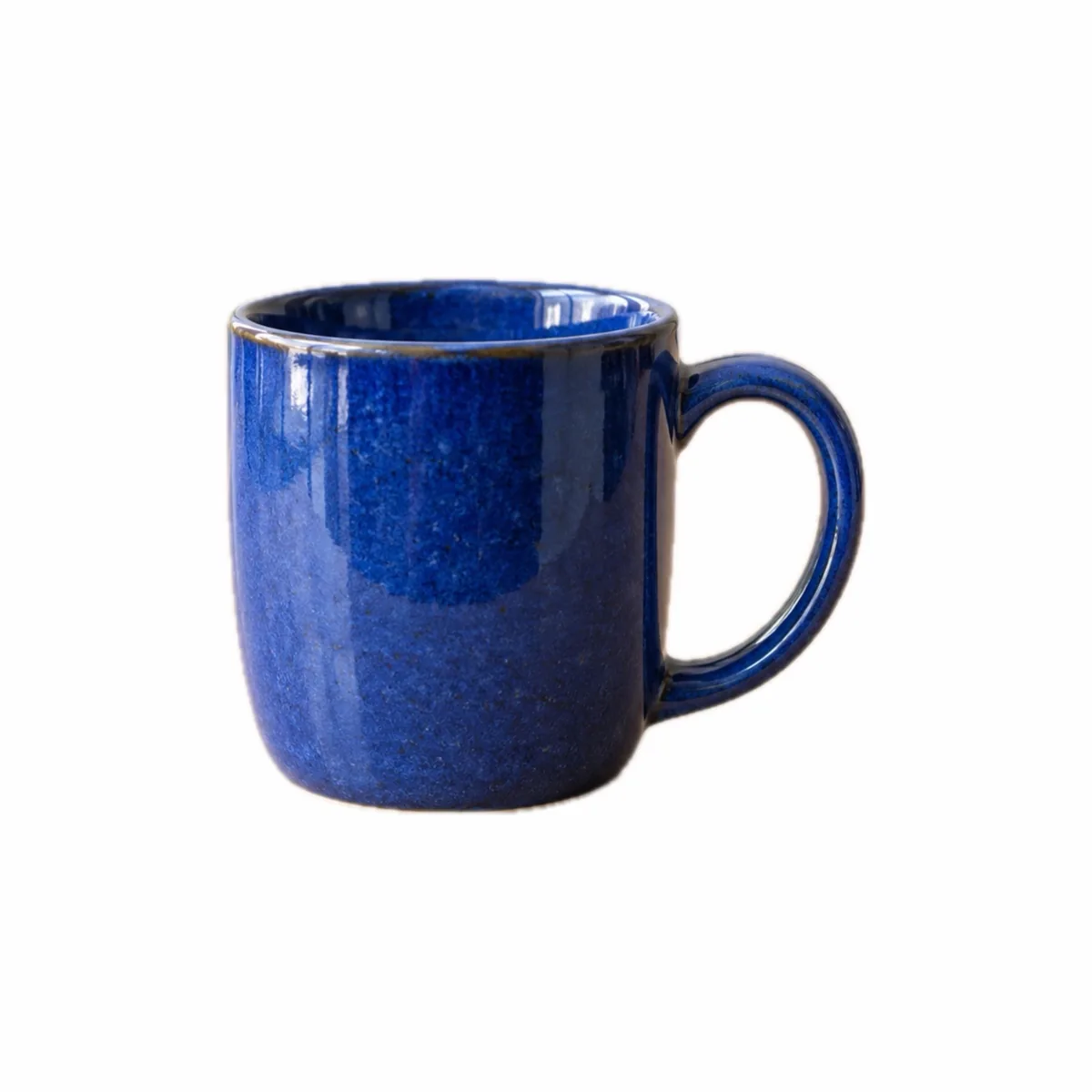
Prepare a centered image on a white background for your listing.
Isolate the subject in a transparent PNG or a white-background JPEG. Check the edges before sharing.
Included in the one-time purchase, no subscription.
Browse the guides ↗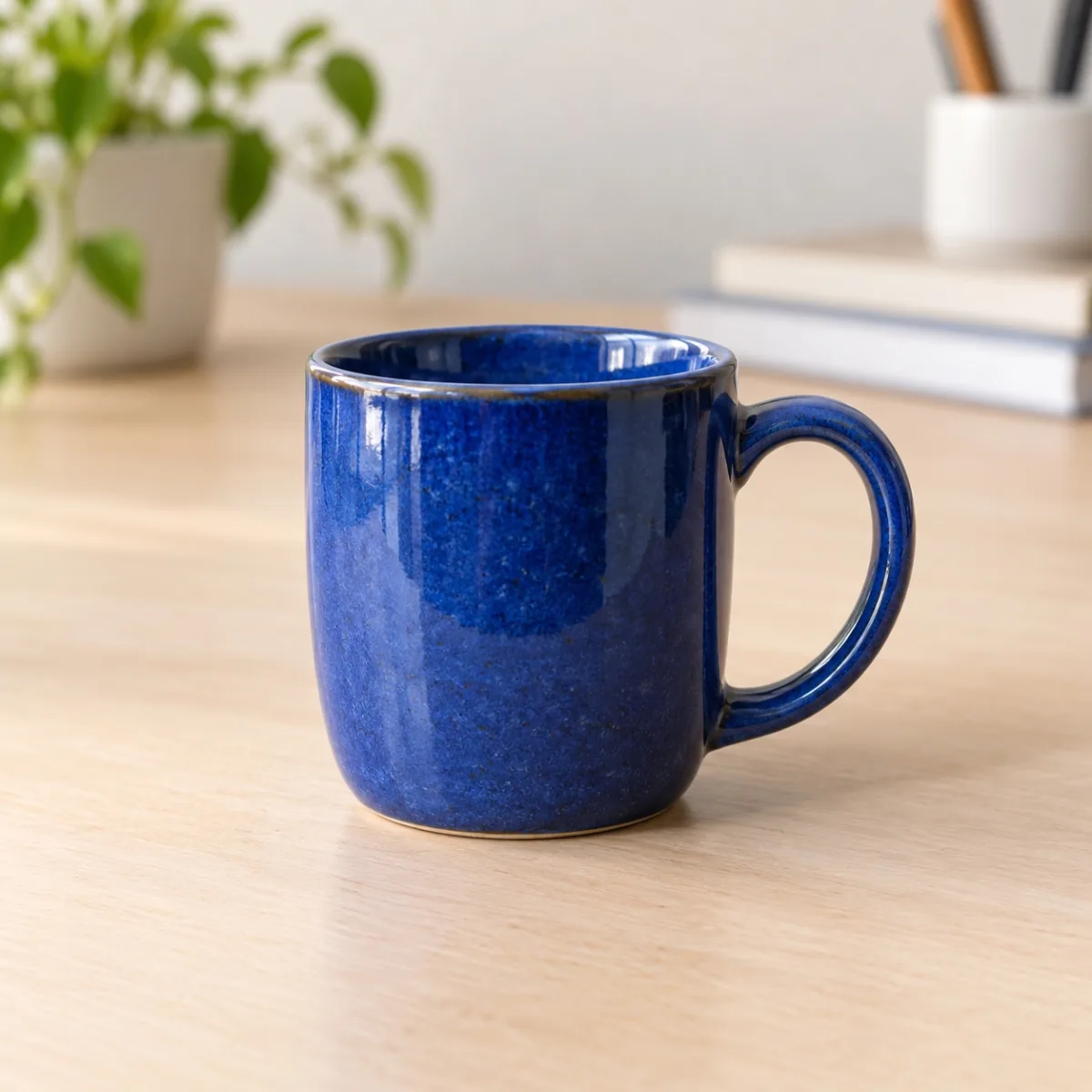
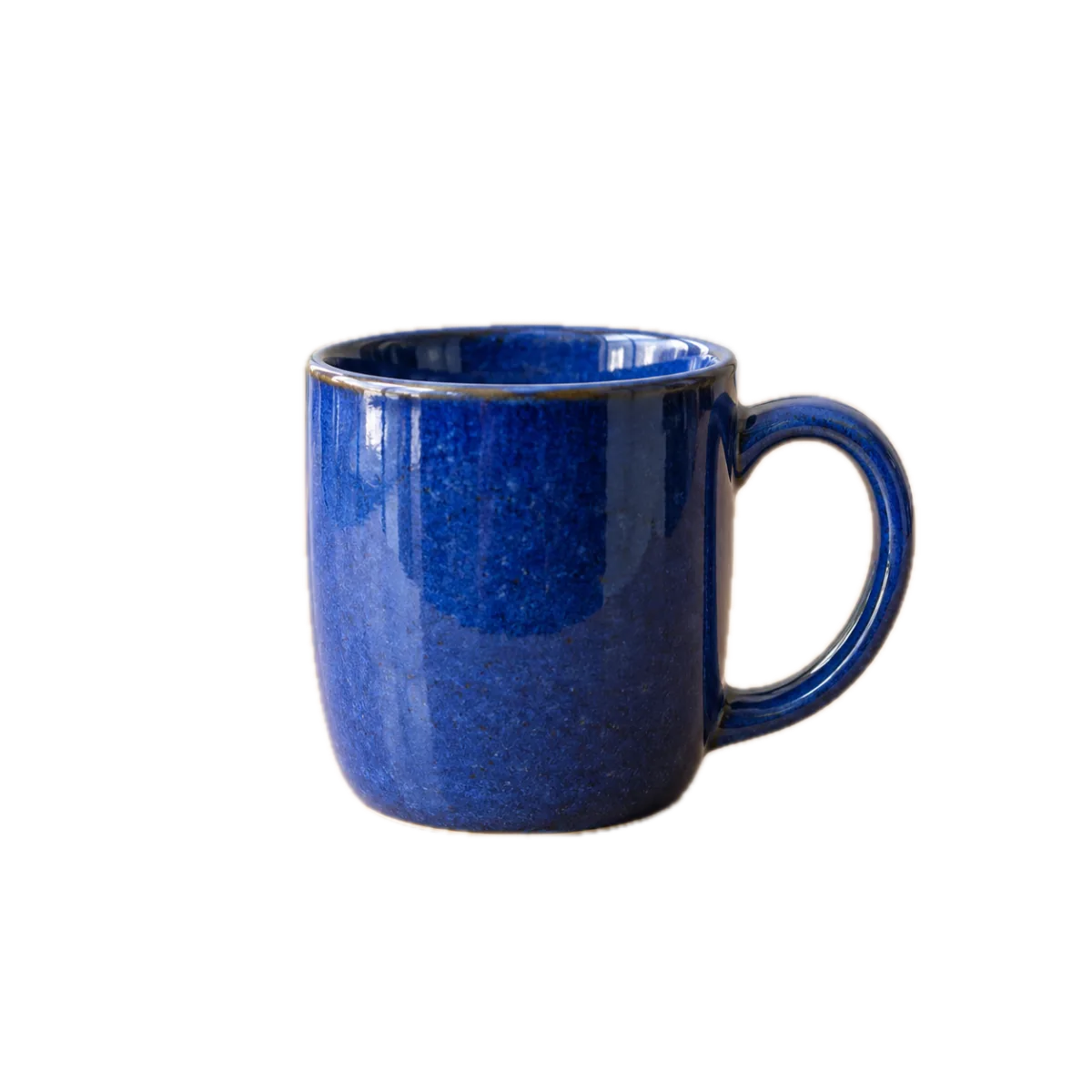
Generated illustrative photo. Background removed in PhotoWisp.
Extra tools for your documents, listings and shared photos.
Switch to square or portrait with a suggested crop around the subject. Adjust it before you apply.
Adjust the four corners of a receipt or invoice and correct its perspective in a JPEG. No OCR or PDF output.
Remove the background and center your item in a white square with adjustable margins.
Put your originals in one ZIP file without applying edits or recompressing images.
Processing happens locally using Apple tools, including Vision. No server receives your photos.
Practical guides to photo formats, dimensions and file sizes.
Make smaller photo copies on Mac with an adjustable size target, preview and comparison before saving. Keep your originals intact.
Browse the guides ↗Convert HEIC photos to JPEG locally on your Mac when a website or recipient requires a more compatible image format.
Browse the guides ↗No. PhotoWisp creates copies and preserves your originals. A ZIP contains the original files without edits.
Photo actions run locally on your Mac. App Store services may use the internet without receiving your photos.
PhotoWisp accepts JPEG (JPG), PNG and HEIC images.
File size is measured in kB or MB, dimensions in pixels. Compression reduces file size and may lower quality. Reducing dimensions can also make a file smaller.
Choose PNG to keep a transparent background. Choose JPEG for a white background. A transparent PNG can be larger than the original.
A one-time purchase of €9.99 unlocks every tool, up to 500 photos per batch. No subscription, no in-app purchases. The App Store will show your local price.
Availability to be announced · macOS 14 or later · Intel and Apple Silicon