
Photo guides for Mac
File size, formats and dimensions: practical explanations for preparing photos on Mac.
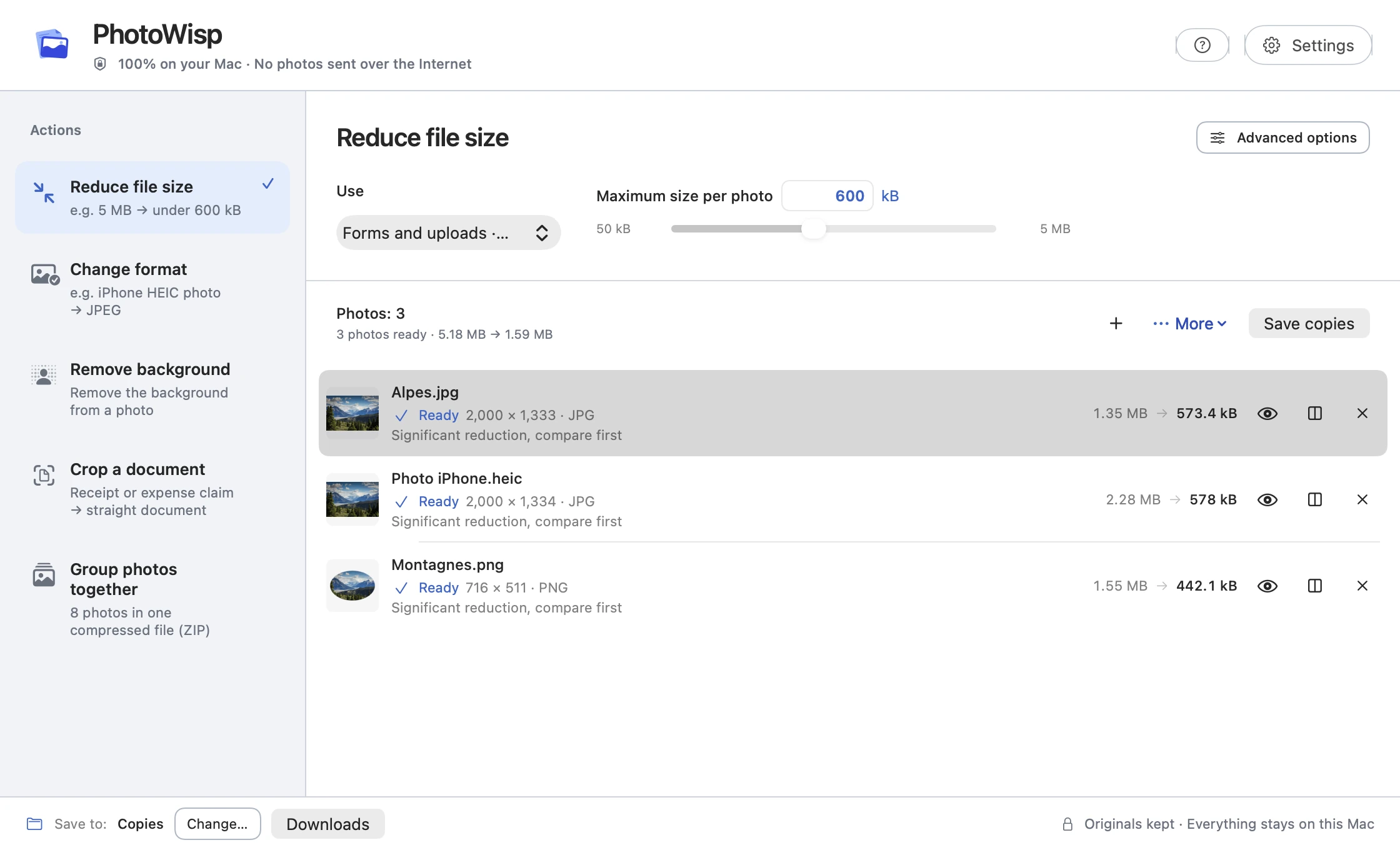
Reduce photo file size on Mac
Make smaller photo copies on Mac with an adjustable size target, preview and comparison before saving. Keep your originals intact.
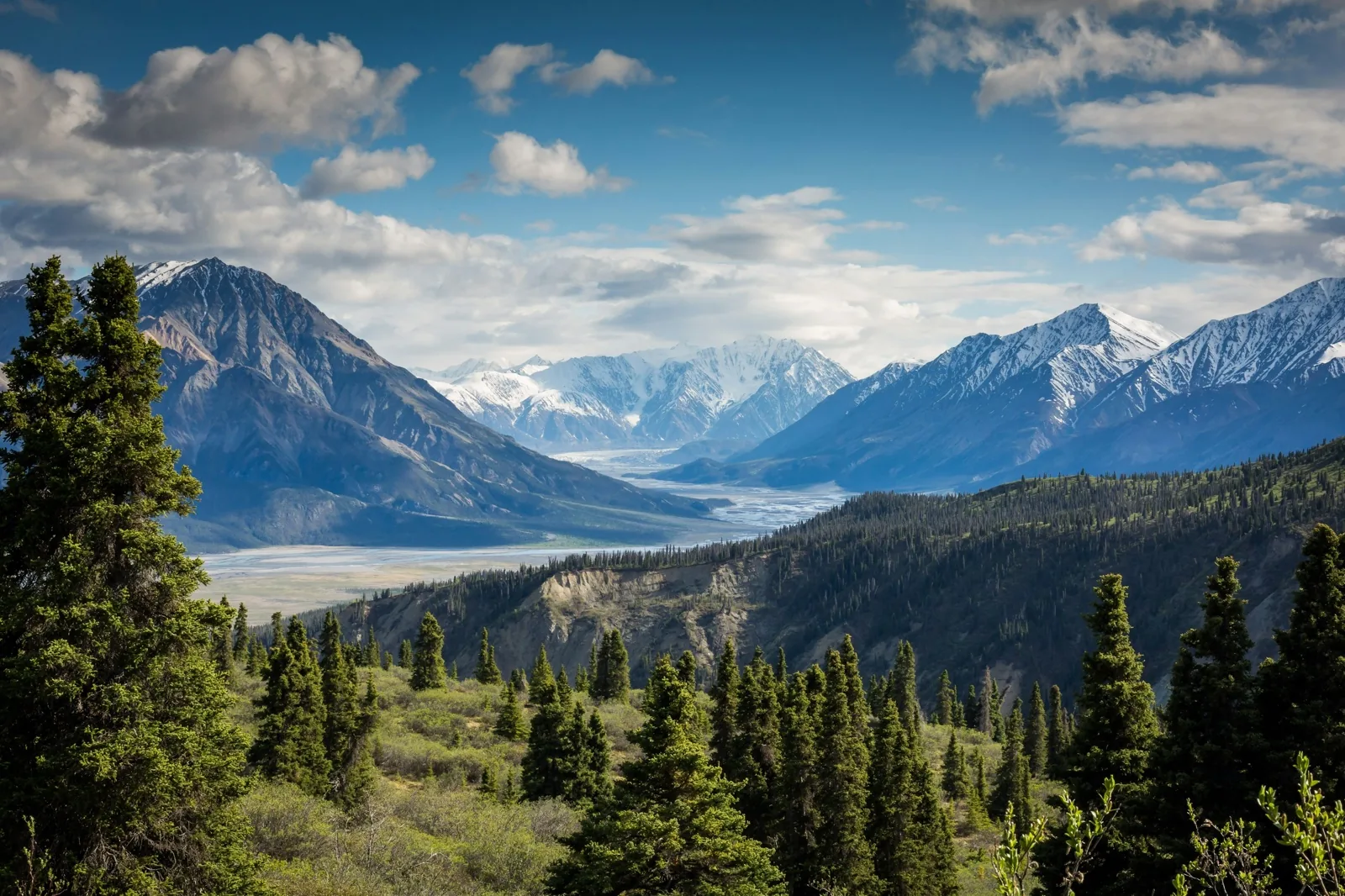
Convert HEIC photos to JPEG on Mac
Convert HEIC photos to JPEG locally on your Mac when a website or recipient requires a more compatible image format.
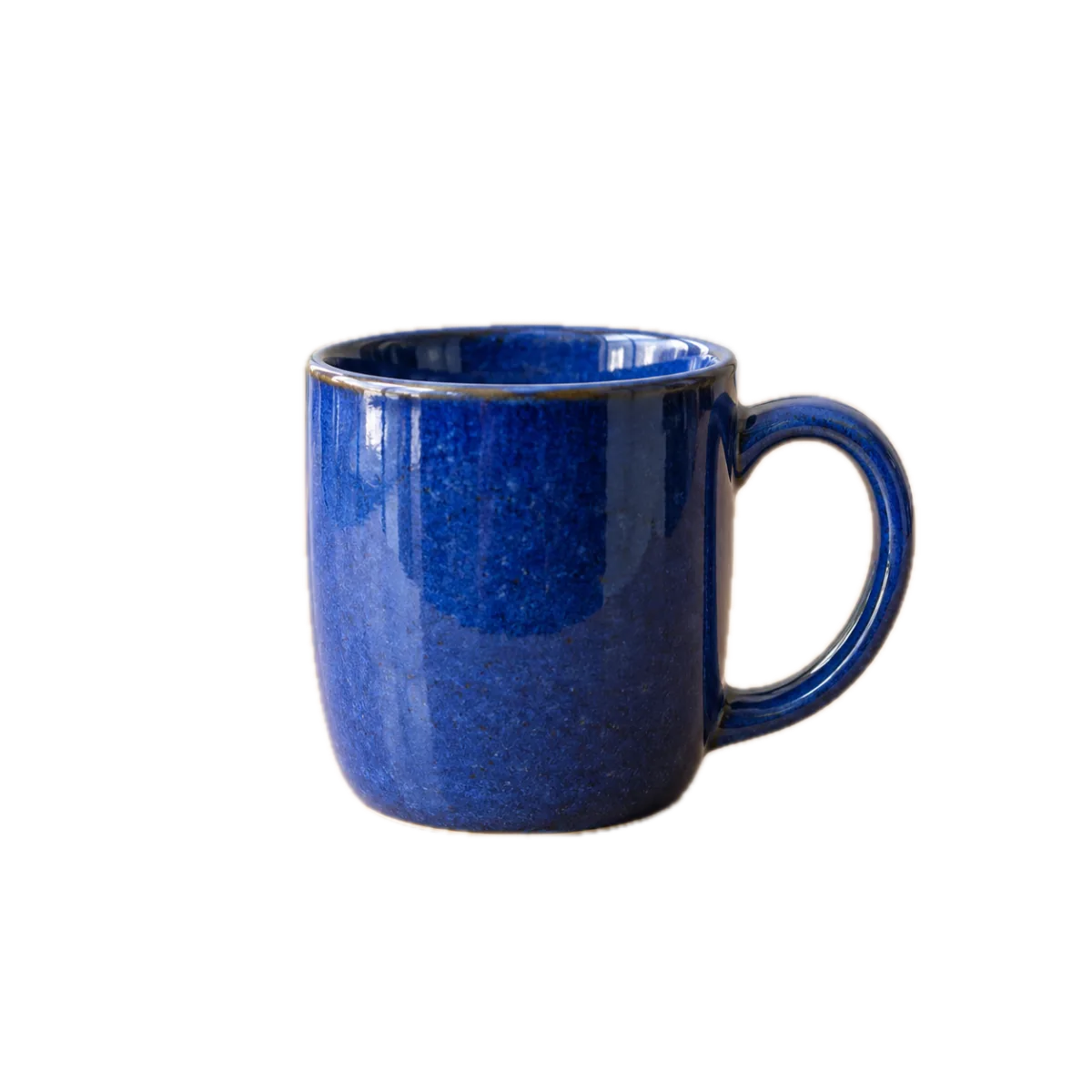
Remove a photo background on Mac
Isolate a subject locally on Mac, choose a transparent PNG or white JPEG and inspect the edges before saving a copy.
Group photos into a ZIP on Mac
Put original photos into one local ZIP on Mac without recompressing the images, then check the archive before sending it.
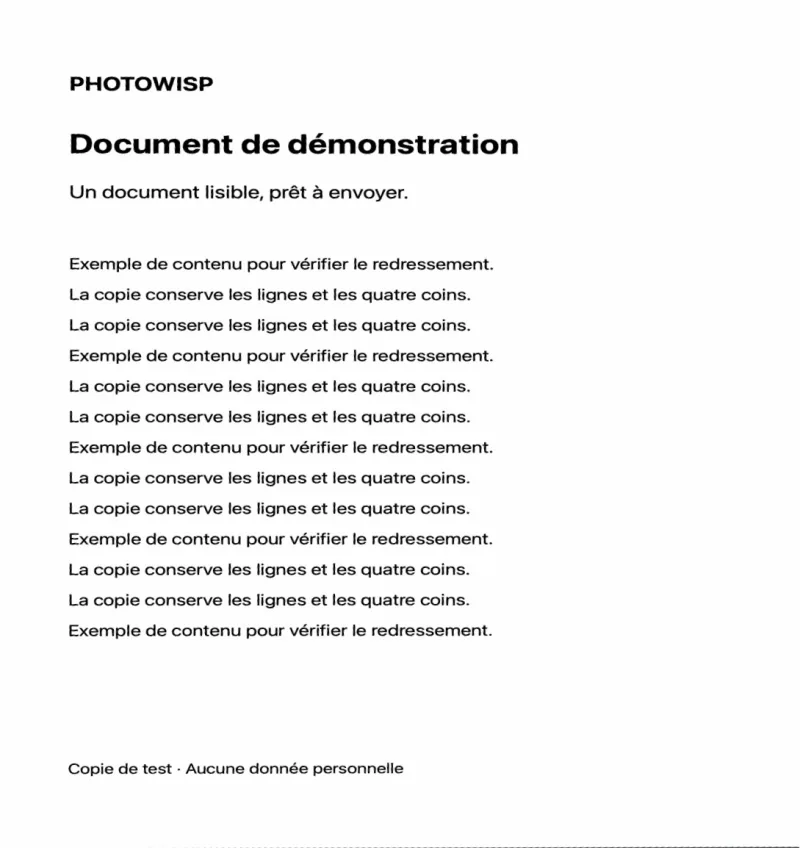
Crop and straighten a document photo on Mac
Adjust four corners on a photographed receipt or invoice on Mac, correct its perspective and save a JPEG copy.
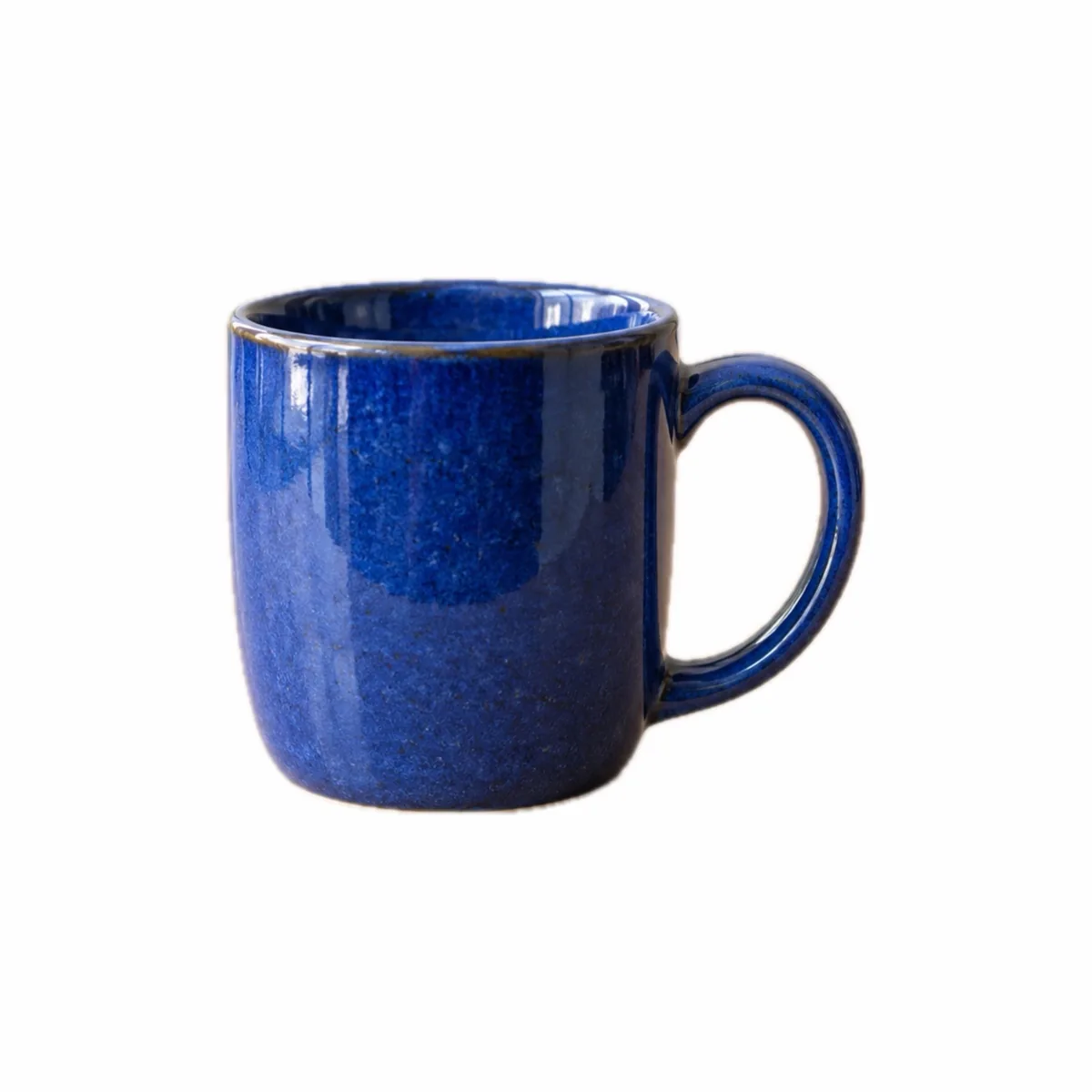
Prepare a square product photo on Mac
Isolate and centre an object in a square on Mac, adjust its margins, then prepare a white JPEG or transparent PNG copy.