Photos ready for everyday life
An online form, a portrait, a presentation or an expense receipt: find the right workflow, settings and useful checks.
Send and publish
Prepare the right format and file size for each destination.
Prepare a photo for an online form
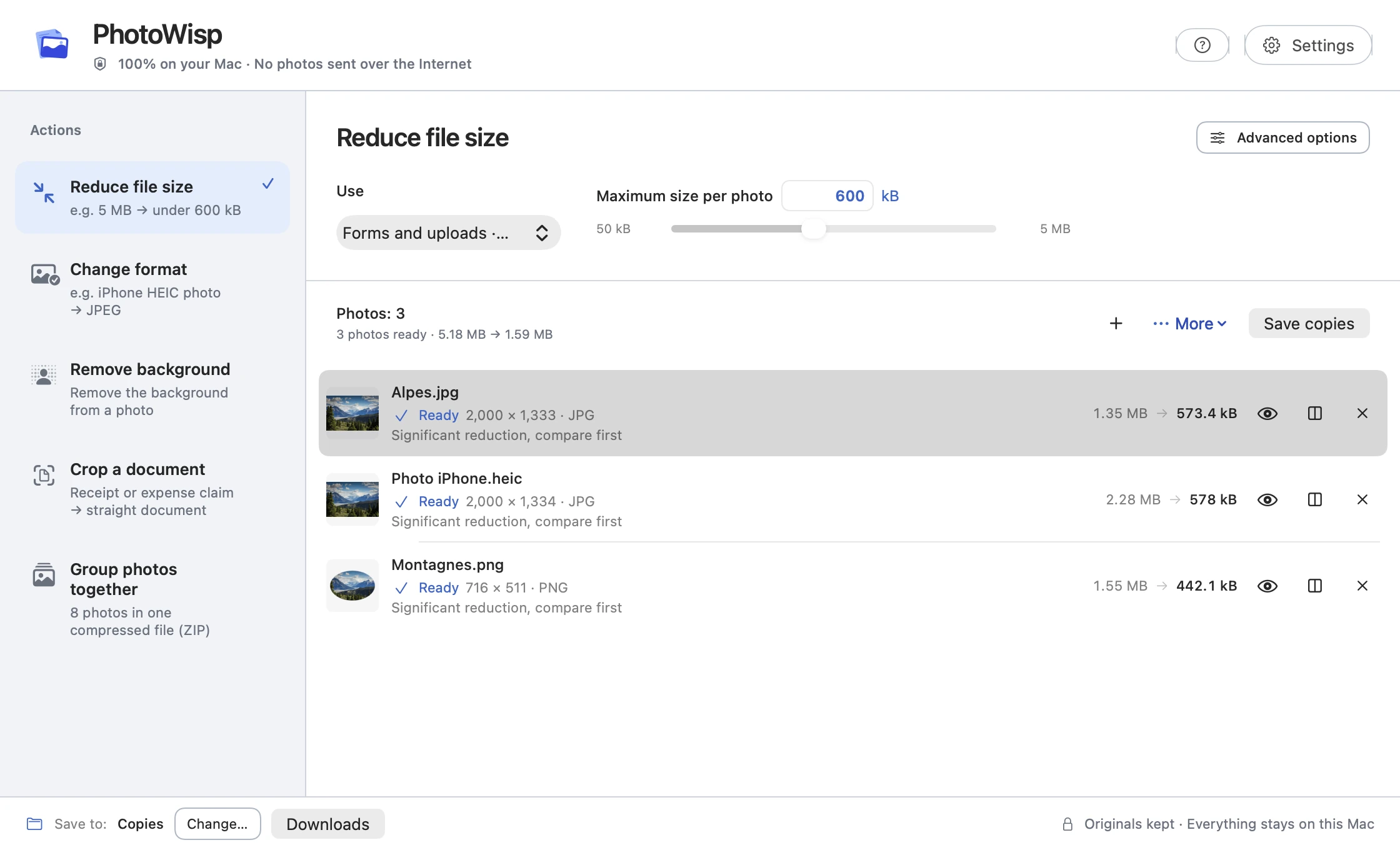
Reduce a photo for an online form on your Mac, adapt its format and check file size, dimensions and readability before uploading.

Prepare photos to send by email on Mac
Choose smaller image copies or a ZIP of originals and check the combined file size before attaching photos to an email.
Share an iPhone photo as a JPEG
Need to send a JPEG? Convert an iPhone HEIC photo on your Mac, check the copy and share the right file.
Prepare photos for a website or blog
Choose image dimensions and a file-size target on your Mac, then check your JPEG or PNG copies before publishing them on a website.
Prepare a batch of photos for a client
Create smaller copies, give them clear names and bundle the right files in a ZIP when delivering a photo batch to a client.
Prepare an image
Choose framing, backgrounds and presentation to suit your project.
Prepare photos of an item for sale
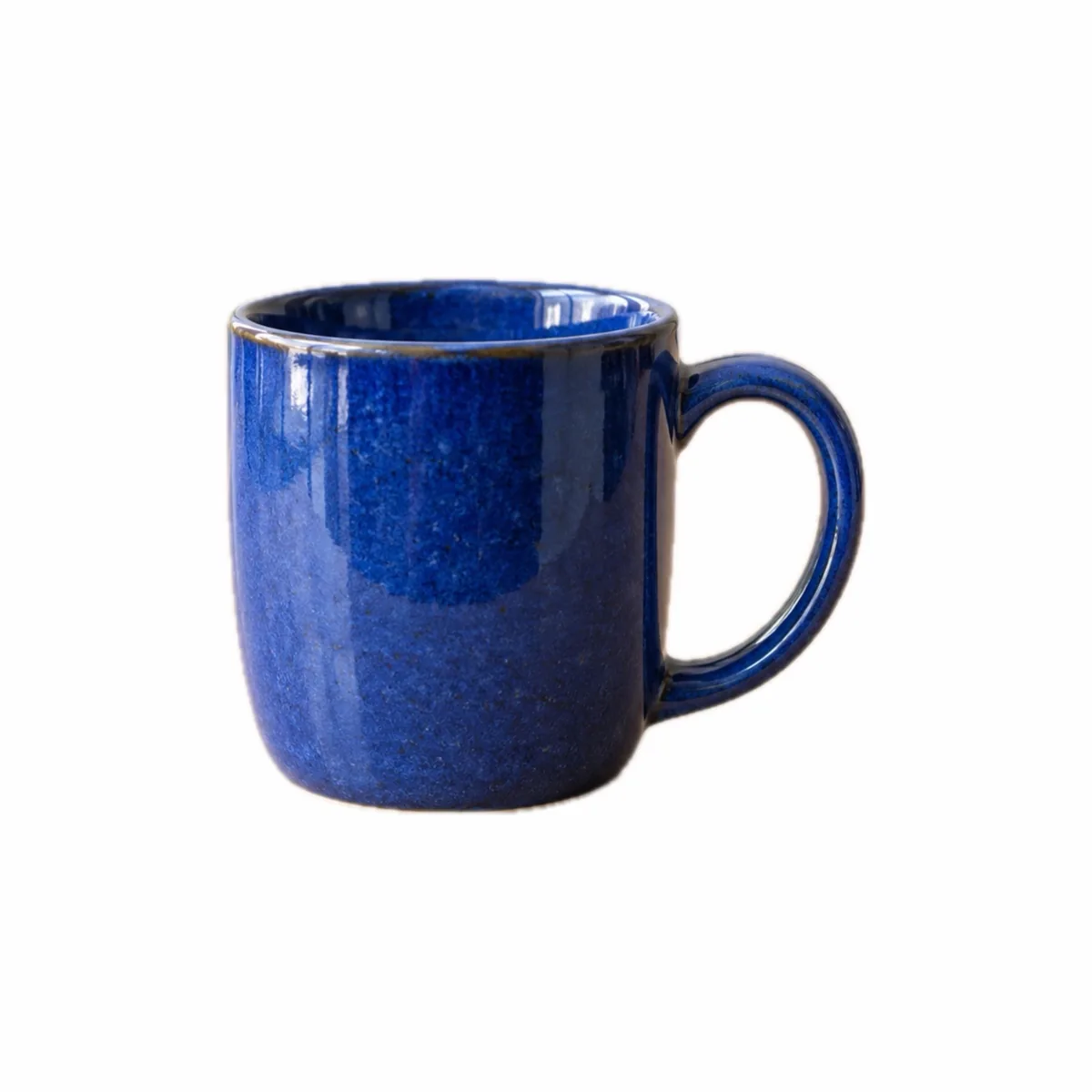
Present an item for sale with consistent photos: a centred subject, suitable background and checked copies prepared on your Mac.

Crop a photo for a CV or profile
Prepare a square or portrait photo on your Mac, adjust the crop around the subject and check its format and file size before sharing.
Remove a photo background for a presentation
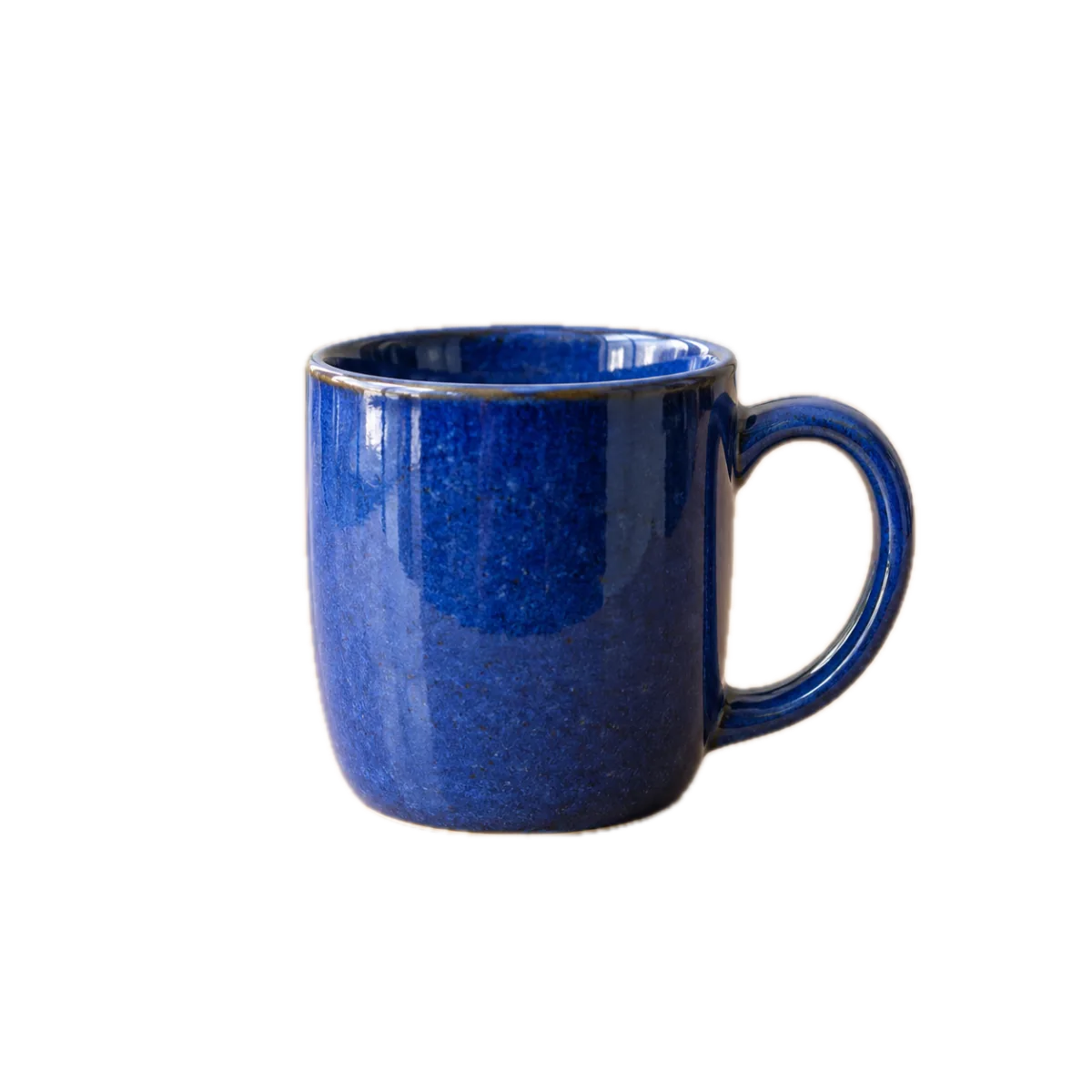
Isolate a person or object on your Mac and save a transparent PNG to place over your presentation’s background.
Make product catalogue photos consistent
Prepare square product photos on your Mac with a consistent background and regular margins, then check copies for your catalogue.
Documents and receipts
Make a document photo easier to read before attaching it.